Your site today
Top to bottom, the way a customer sees it. Yellow pins are things to fix, green ones are things to keep. The short version: the bones are fine, but the best things about your business (you, your reviews, your real work) are hidden, and the site keeps asking people to call when you'd rather they text.
 12345
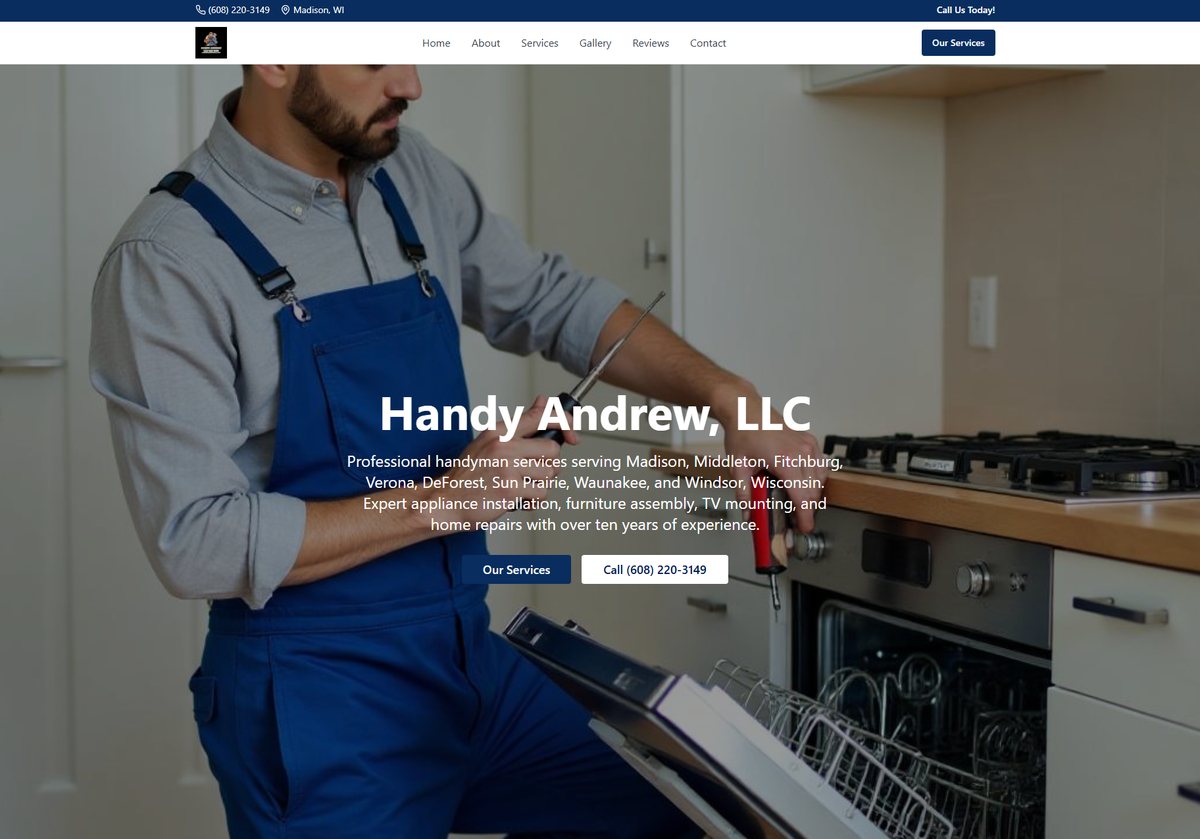
12345The first screen
- 1That isn't you. It's a stock or AI photo of a model. People are letting a stranger into their house, so they want to see the actual guy. One real photo of you (truck, tool bag, a smile) beats any stock photo.
- 2The main button says "Our Services". The most important button on the page should do the thing you want: Text Andy.
- 3Lots of words, no proof. Eight town names fill the opening lines, and there's no sign of your 101 five-star reviews until halfway down the page. Put "5.0 on Google, 101 reviews" right under your name.
- 4The phone number is big and clear. Keep it. Add a text button next to it, because you say "TEXT or Call" three times on the site but every button only calls.
- 5The logo is tiny and hard to read at that size. A plain, bold "Handy Andrew" wordmark would read better on a phone.
 123
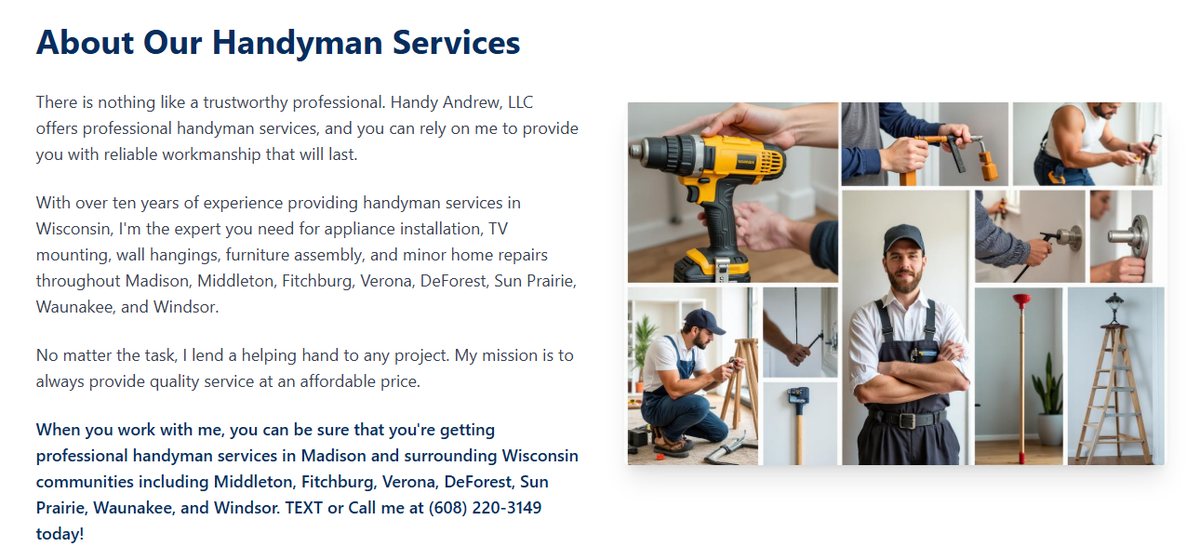
123About
- 1An AI collage, and it shows up twice. The same picture is used again in the next section. Visitors notice repeats, and it makes the site feel like a template.
- 2Pick "I" or "we". This section says "I" and the next one says "our skilled team." You're one guy who shows up and does the job himself. That's your selling point, so say "I" everywhere.
- 3"TEXT or Call me" is the right message. Make it a button people can tap, not a sentence they have to read.
 12
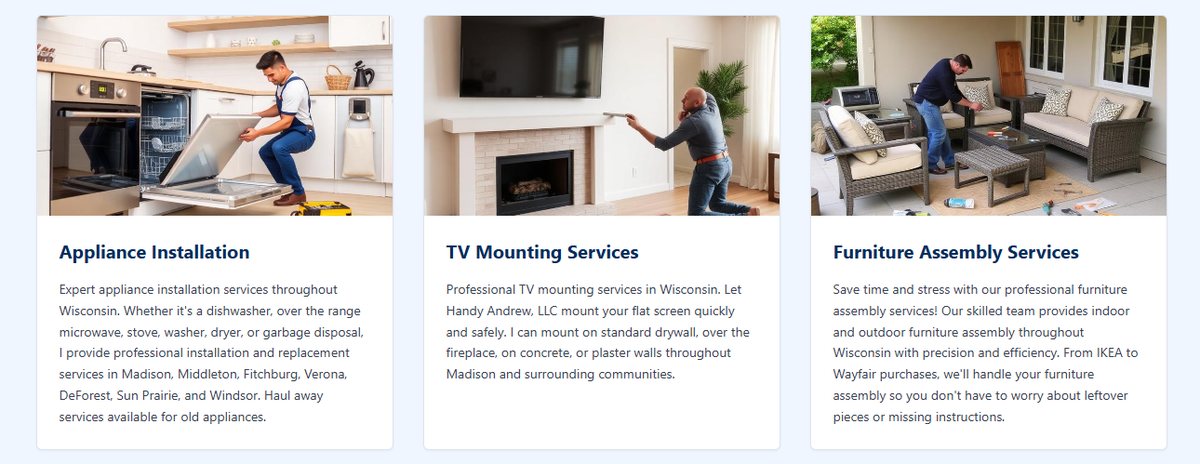
12Services
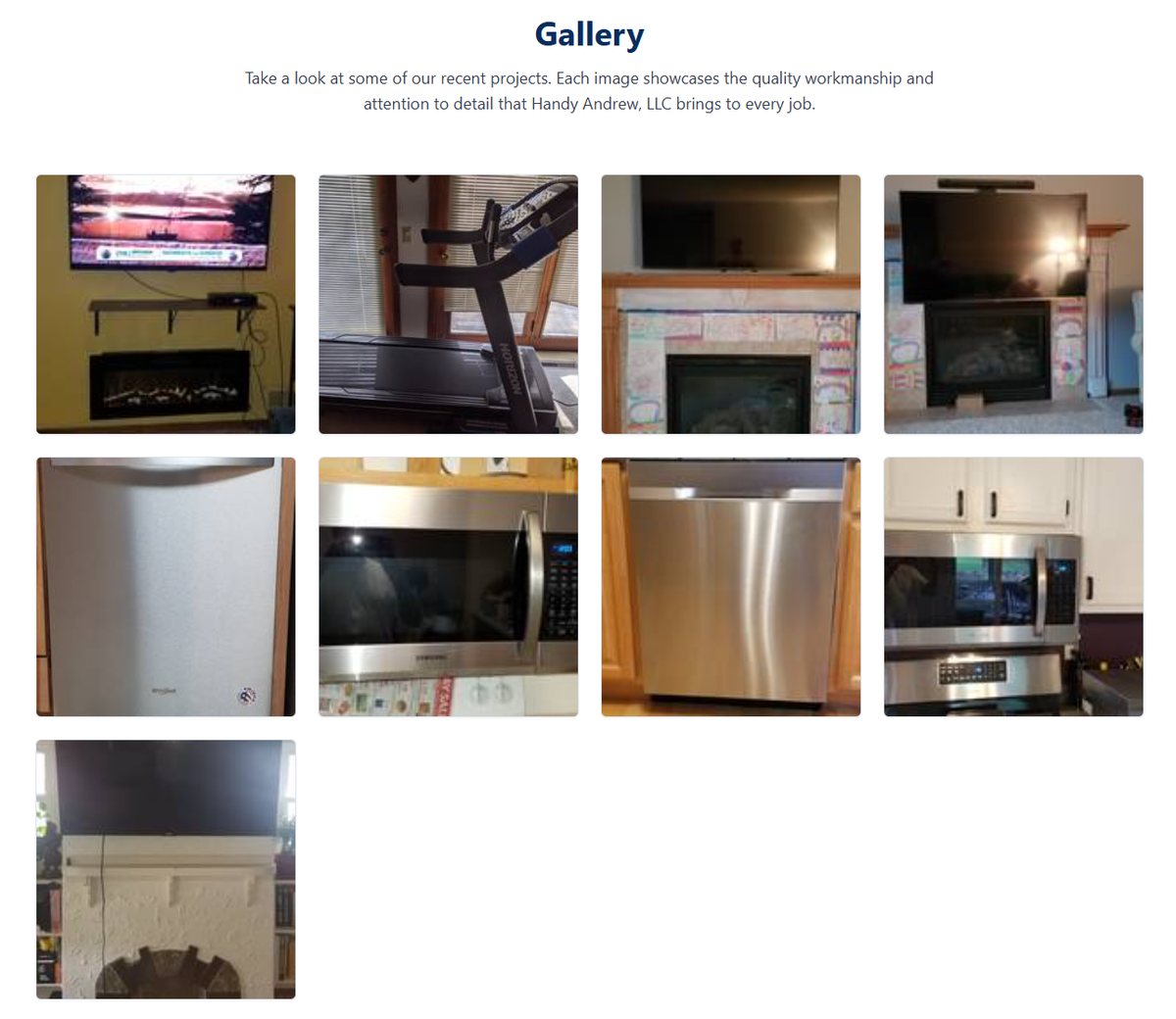
- 1More stock men. You have real photos of this exact work in your gallery (TVs over fireplaces, dishwashers, microwaves, a treadmill). Use those here instead.
- 2"Our skilled team." Same "I or we" problem. A customer who hires a "team" and gets one guy feels misled, even when the one guy is great.
KeepEach card clearly says what you do and where. Good.
 12
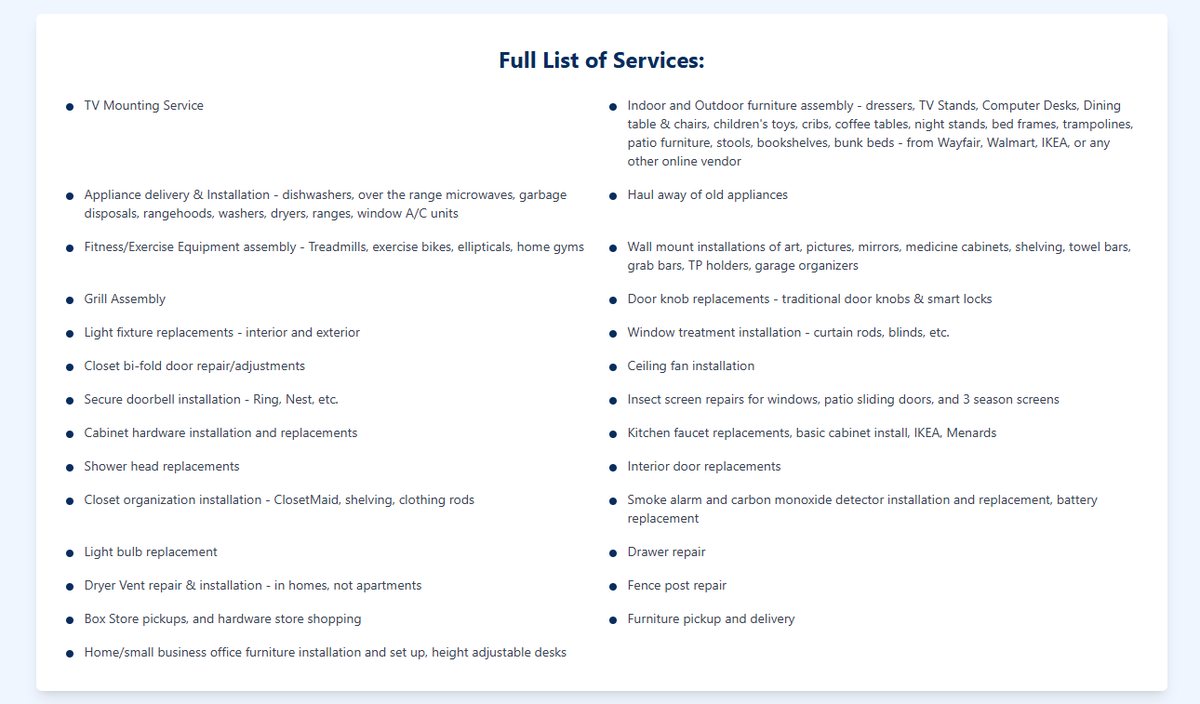
12The full list of services
- 1This list is gold. Cat doors, dryer vents, smart locks, box-store pickups: it's exactly what people search for. Keep every item.
- 2It's a wall of 30 bullets. Group them (mounting, appliances, assembly, doors and windows, small fixes) so a person can find their job in two seconds.
 12
12Gallery
- 1These are real. This is the most trustworthy part of the site. It should be bigger and earlier on the page, not tucked away.
- 2No captions. One line each ("TV over a gas fireplace, wires hidden") tells people what you did and helps Google understand the page. A few before-and-after pairs would be even better. Start snapping a "before" on every job.
 123
123Reviews
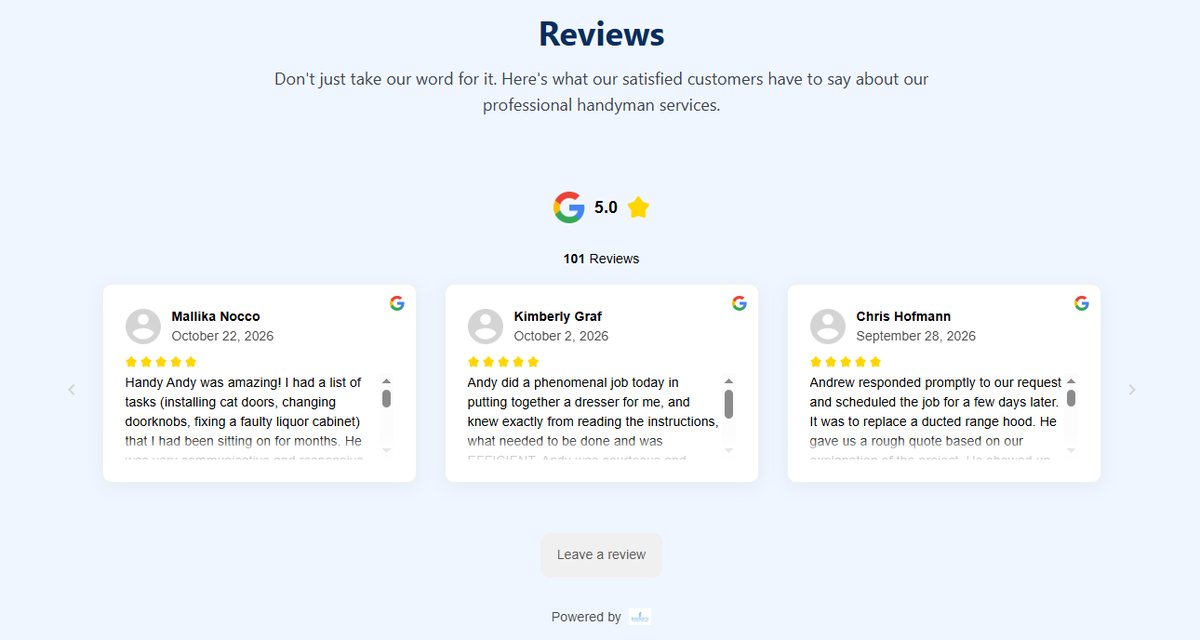
- 1Your best asset, buried. 5.0 on Google from 101 reviews is rare for anyone. It belongs at the top of the page and next to every button.
- 2The cards cut off mid-sentence, behind little scroll bars inside the box, which is hard on a phone. Show four or five short, strong quotes in full instead, and link to the rest on Google.
- 3"Powered by" with a blank logo is the review service advertising itself, and the logo doesn't even load. Drop it.
Your customers call you "Handy Andy". That's a nickname a lot of businesses would pay for.
 1234
1234Contact
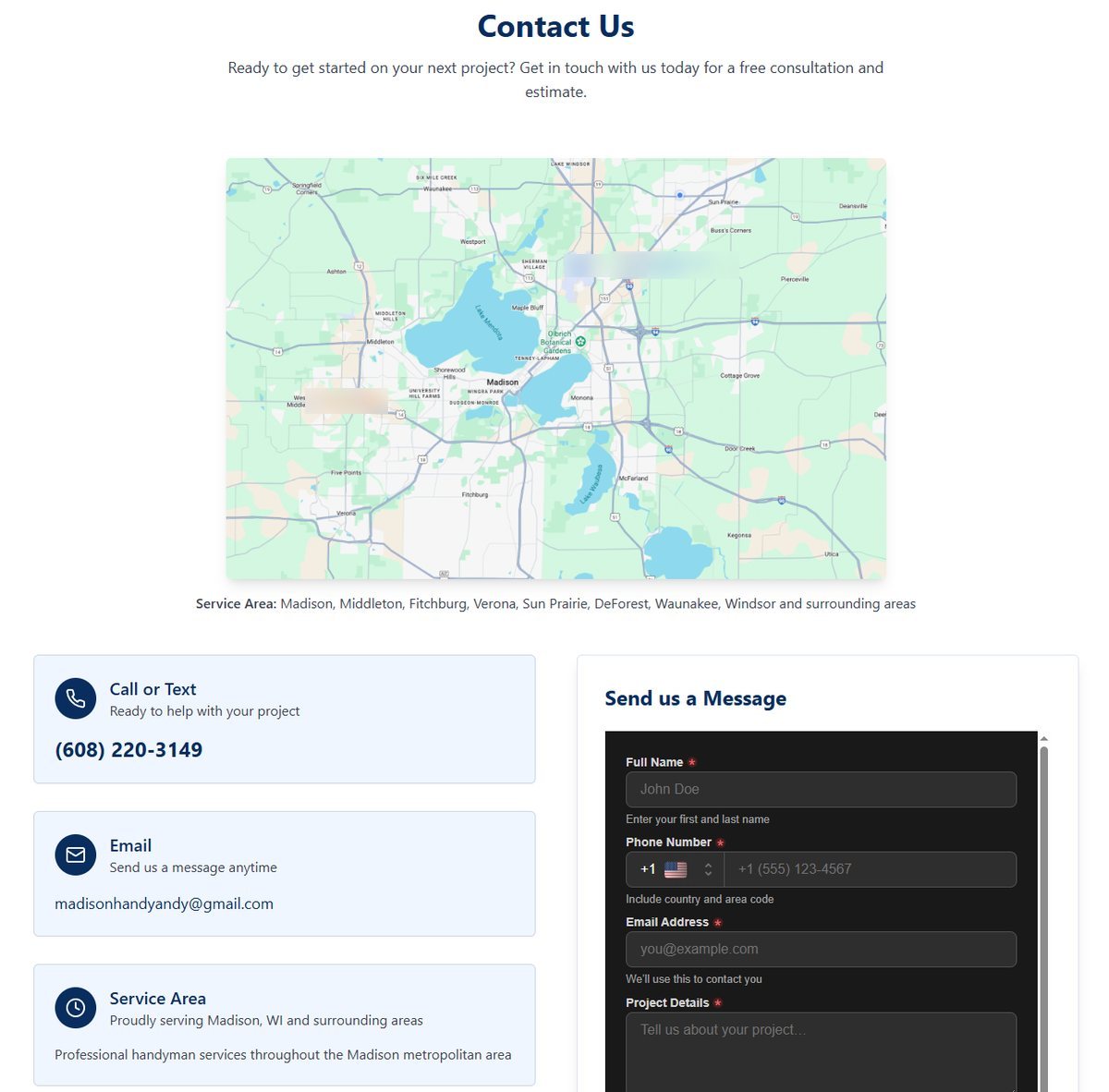
- 1A plain map of Madison takes up a whole screen and doesn't say anything the town list doesn't. Drop it, or replace it with a simple "towns I cover" list. (I blurred two pins on it that were from my own Google history. Every visitor sees their own, so it's not a bug.)
- 2"Call or Text" with the number big is right. Make the whole card tappable: one tap to text, one to call.
- 3The form is hard work. It's a dark box inside a white page with its own scroll bar, four required fields, a country-code phone box and a captcha. Cut it to name, phone, what you need and which town, and let people attach a photo. A photo is how you quote fast.
- 4A Gmail address works, but [email protected] looks more established, and you already own the domain.
 123
123The footer
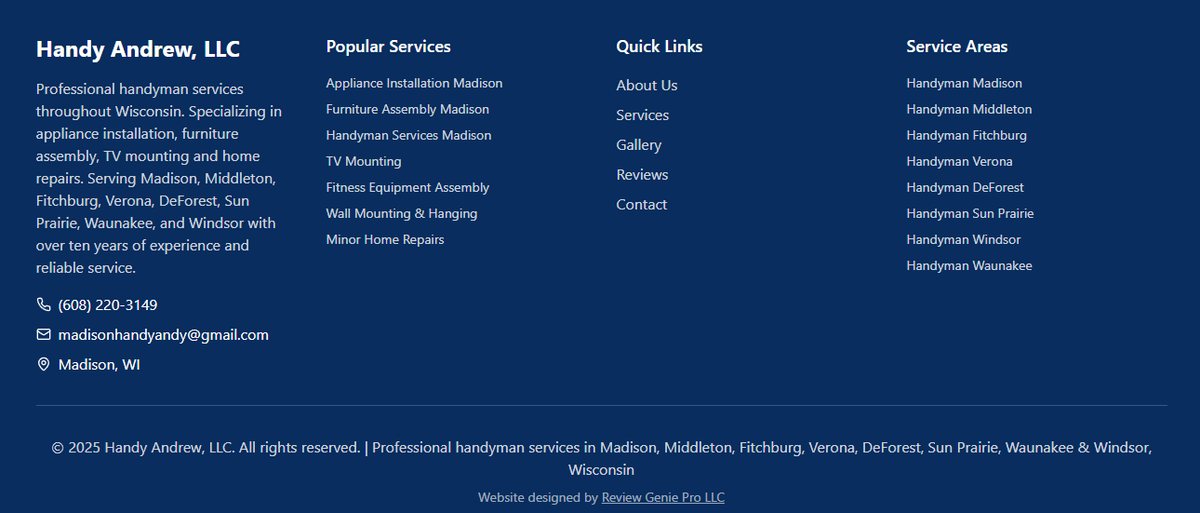
- 1"© 2025". A stale year makes people wonder if you're still in business. It should update itself.
- 2"Handyman Middleton", "Handyman Verona"... If these just jump back up the same page, Google doesn't count them for much. Town pages only help if each one is real (jobs you've done there, reviews from there).
- 3"Website designed by Review Genie Pro LLC." The first question for us: do you control the site yourself, or does every change go through them? Who owns the domain and your Google Business Profile login?
What I'd do about it
The fixes above are small one at a time, but together they change how the site feels: it stops looking like a template and starts looking like you. See the new look, then the growth plan for the order to do it in and everything off the website that brings in work.